
General
Inventory reciepts show detailed information over the data that were set at the inventory order and the inventory counting will be recorded.
It is possible that the inventory receipt has more positions than the order because the order only sets the primary criteria, while the receipt shows them in detail, meaning every location or stock is a separate position.
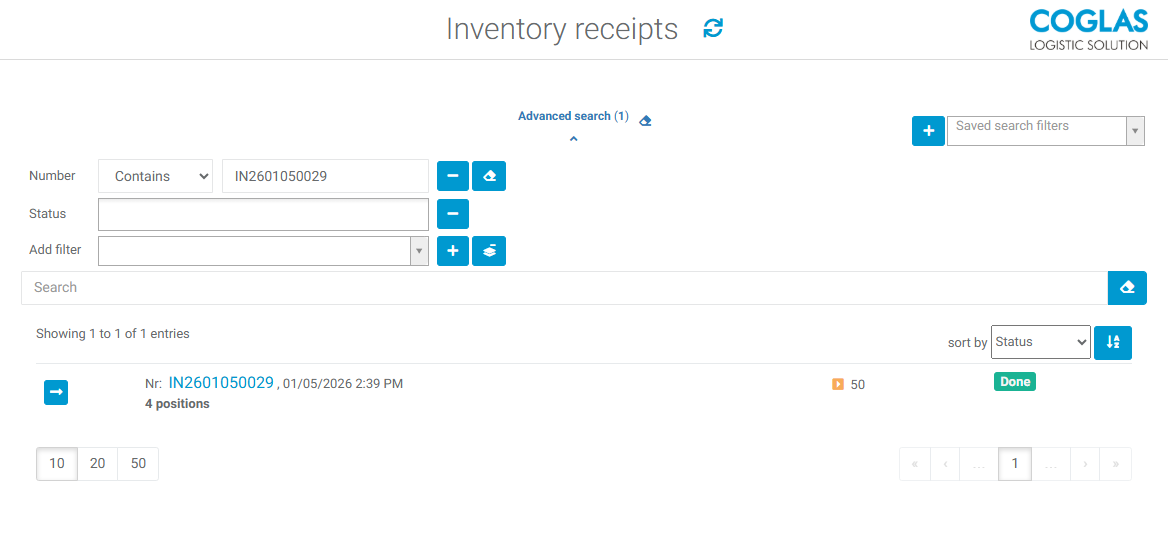
The inventory receipt can be opened by clicking on the arrow button or the number.
Details
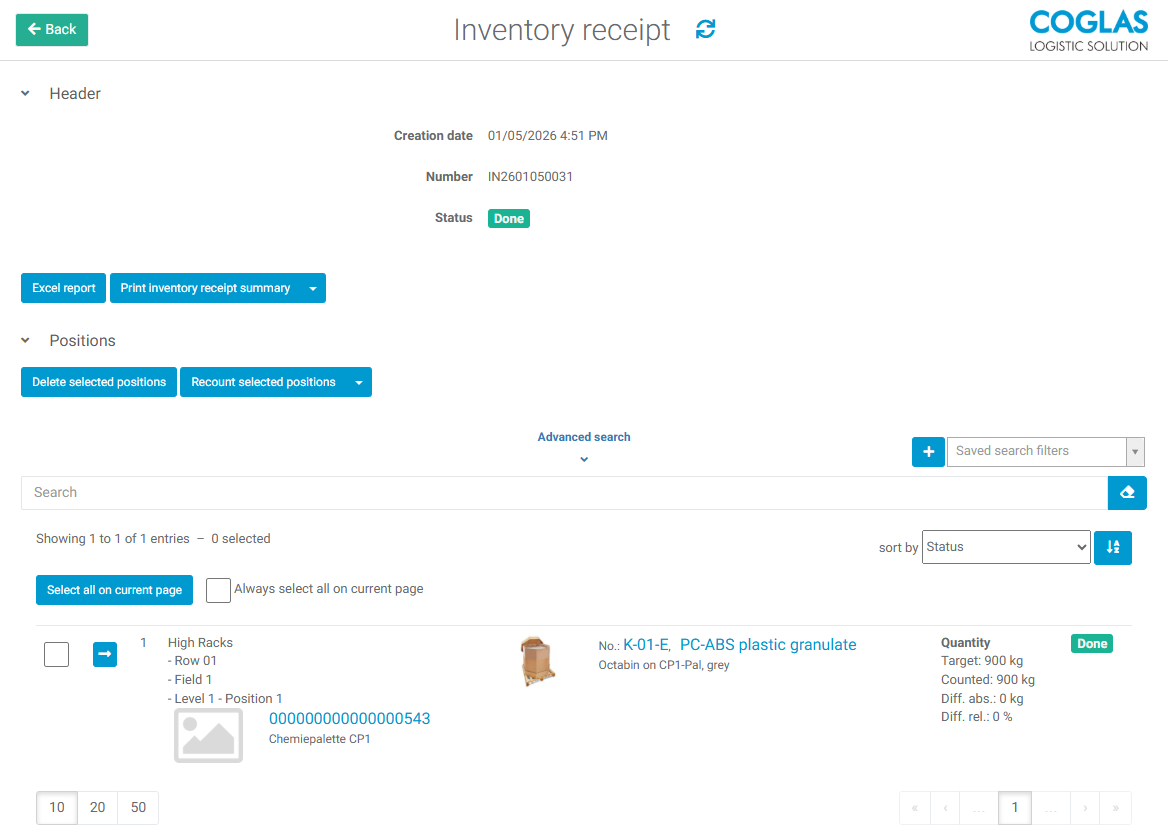
In the inventory receipt the detailed administration of the inventory count and other actions are possible.
|
Button |
Description |
|---|---|
|
Excel report |
creates an excel report for the receipt (.xlsx) |
|
Print Inventory receipt summary |
Print an overview of the inventory receipt; results are only output if the list is in the status 'Completed'. (report template: Inventory receipt summary) |
|
Delete selected positions |
Once positions have been selected, they can be deleted as long as their status is ‘Created’. |
|
Possibility to initate a recount for either:
|
|
Select all on current page (deselect all on current page) |
Select all positions on the current page |
|
Checkbox (position) |
Selection of one or multiple positions |
The positions overview shows the following information:
-
Storage location
-
Storage unit
-
Article
-
Quantity
-
Target
-
Counted
-
Diff. abs.
-
Diff. rel.
-
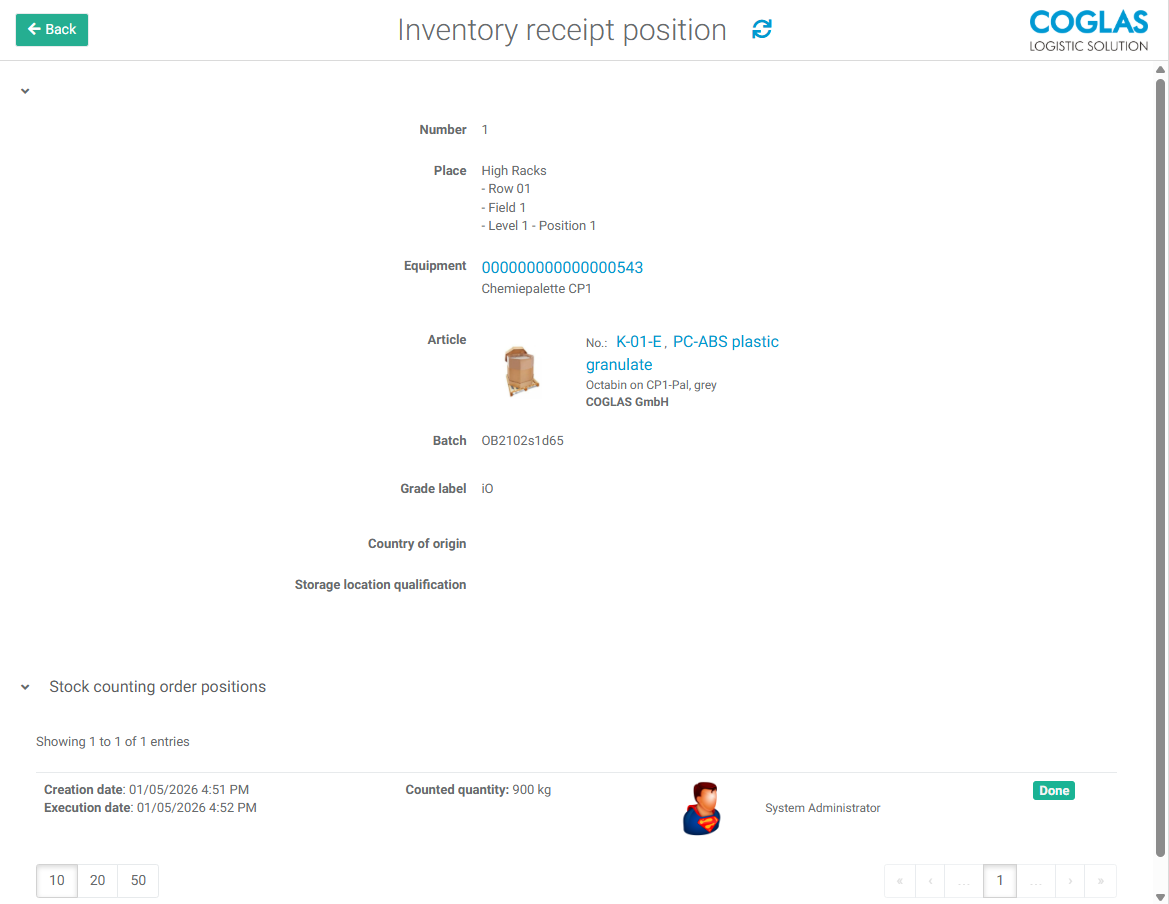
Selecting a positions detail overview via the arrow button shows additional information like Batch, grade label or other qualifications as well as the counting history.
→ back to COGLAS processes
→ back to COGLAS menu