
General
The contract for work represents an extended form of service when it is agreed upon between both parties and defined by a fixed objective. While services with client assignment are generally valid, the contract for work involves a fixed assignment to a list (delivery note).
Prerequisites
To create a contract for work, contract rules are required; a contract for work can have any number of rules as items.
A business partner with the partner type External Service Provider is required
Users must be assigned an external service provider in order to view these contracts for work.
Create Contract for work
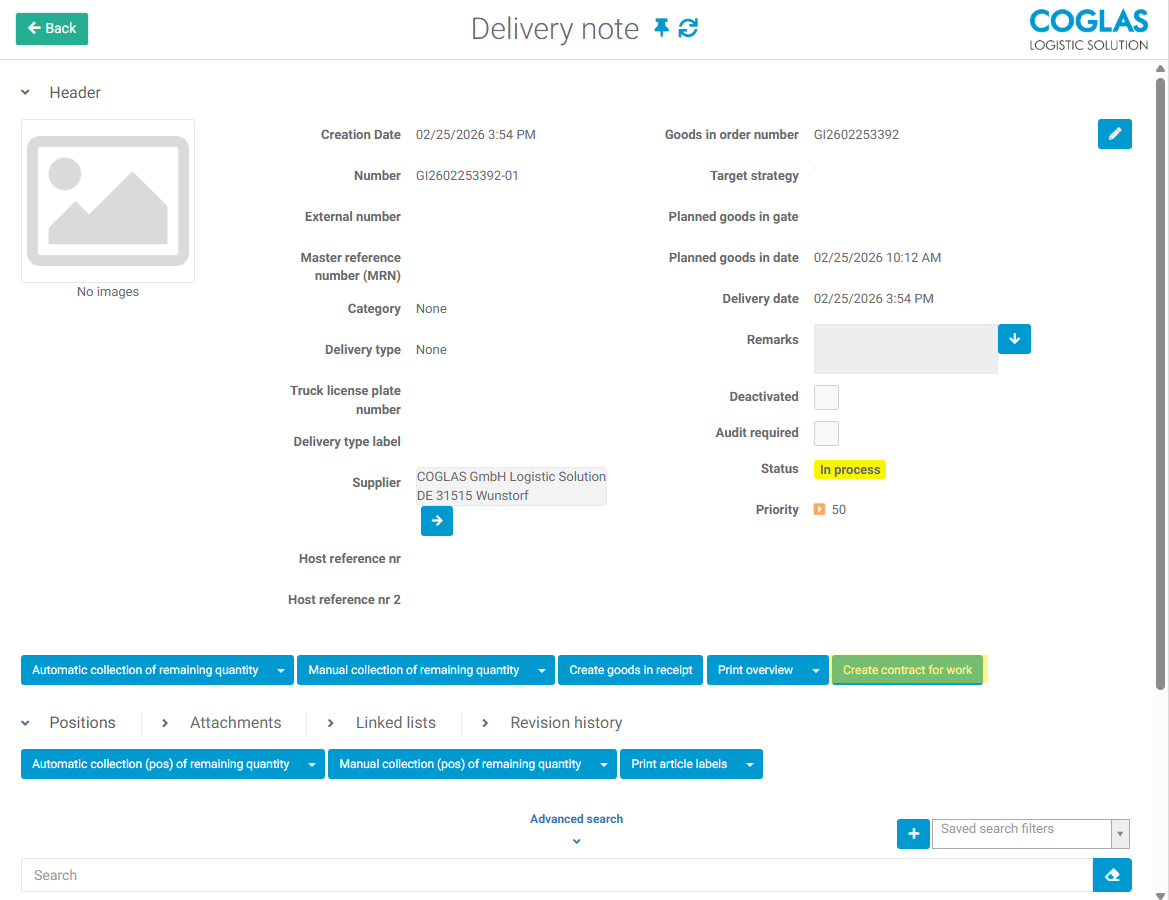
A contract for work is created directly from a delivery note using the function button Create contract for work.
The following data can then be recorded for the contract for work:
|
Field |
Input |
Description |
|---|---|---|
|
Number
|
Free text Automatic generation via ## |
Contract number, mandatory field |
|
External number
|
Free text |
Entry of an external number |
|
Category
|
Selection |
Possible selection of a category (type of delivery) |
|
Client |
Fixed value |
Client from the delivery note |
|
External service provider
|
Selection |
Partner to whom the execution is assigned |
|
List to be processed |
Fixed value |
Delivery note for the contract |
|
Creation date |
Fixed value |
Assigned by the system |
|
Planned completion date |
Selection |
Date entry for control |
|
Priority
|
1-100 |
Entry for priority control |
|
Remarks |
Free text |
Additional notes/comments |
|
Is deactivated
|
Checkbox |
Toggle contract active/inactive |
Once all the data has been recorded, the contract for work can be created using the Add function button.
Once the header data for the contract work has been recorded, at least one position must still be added to it.
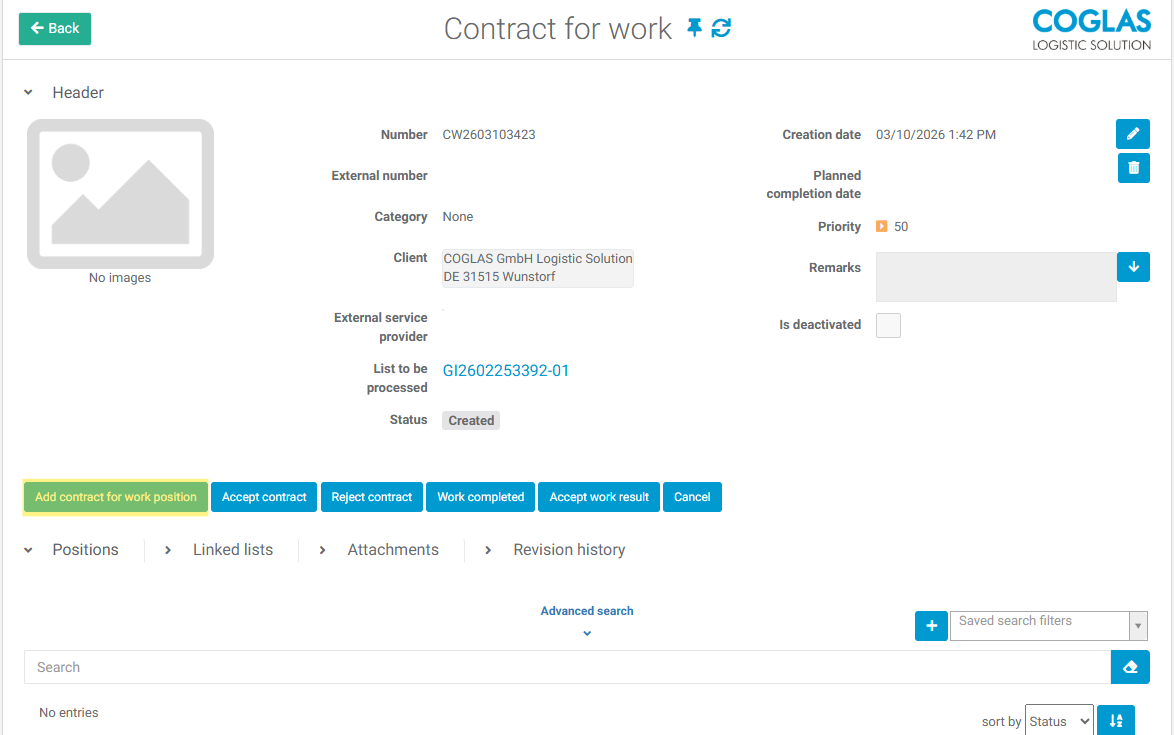
The appropriate contract for work rule is then selected from the list and assigned to the order with Add.

If no external service provider is assigned to the contract, it remains in the status Created until a service provider is selected, after which the contract changes to the status Assigned.
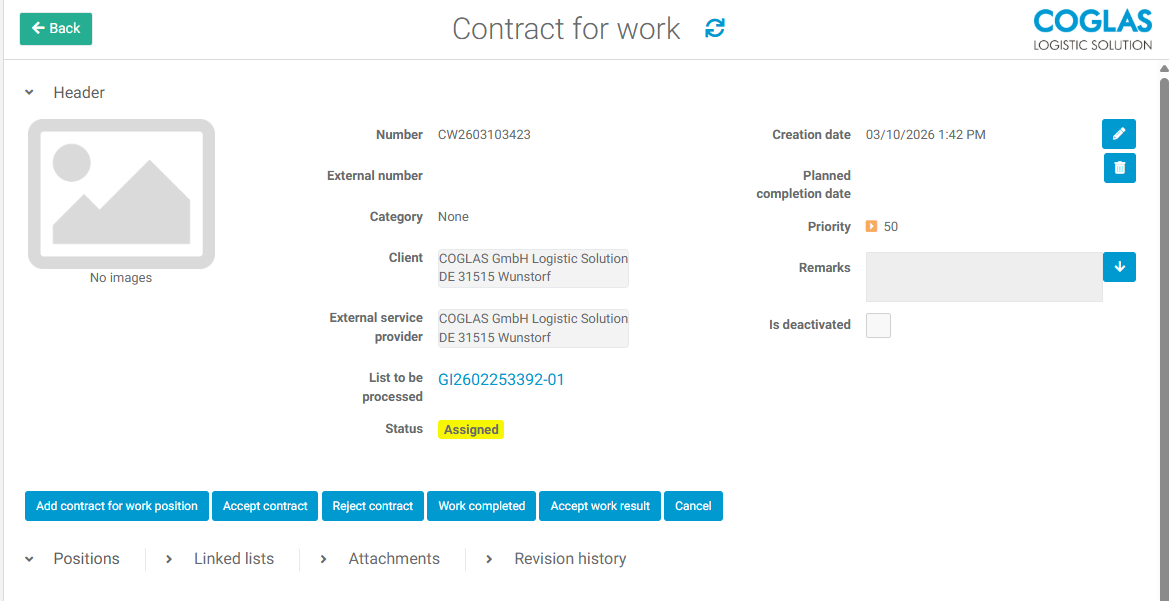
Process Work Contract
After assigning the contract for work, an employee with an assigned external service provider can view it under System->Contracts for Work .
At the contract for work level, the user then has the following options via the function buttons:
-
Accept contract
-
Reject contract
-
Work completed
If the user accepts the contract, it changes to the status Contract accepted and can no longer be rejected afterwards.
If the employee reports Work completed, the status changes to Work done and can then be accepted with Accept work result , the status then changes to Work result accepted and the contract for work is thus completed.
Subsequently, the corresponding document can be generated via the contract for work billings.
→ back to COGLAS processes
→ back to COGLAS menu